Qt + WGPU skeleton
| skel-test | ||
| src | ||
| ui | ||
| .gitignore | ||
| Cargo.lock | ||
| Cargo.toml | ||
| CMakeLists.txt | ||
| init.sh | ||
| README.md | ||
| screenshot.png | ||


Qt6+WGPU skeleton program
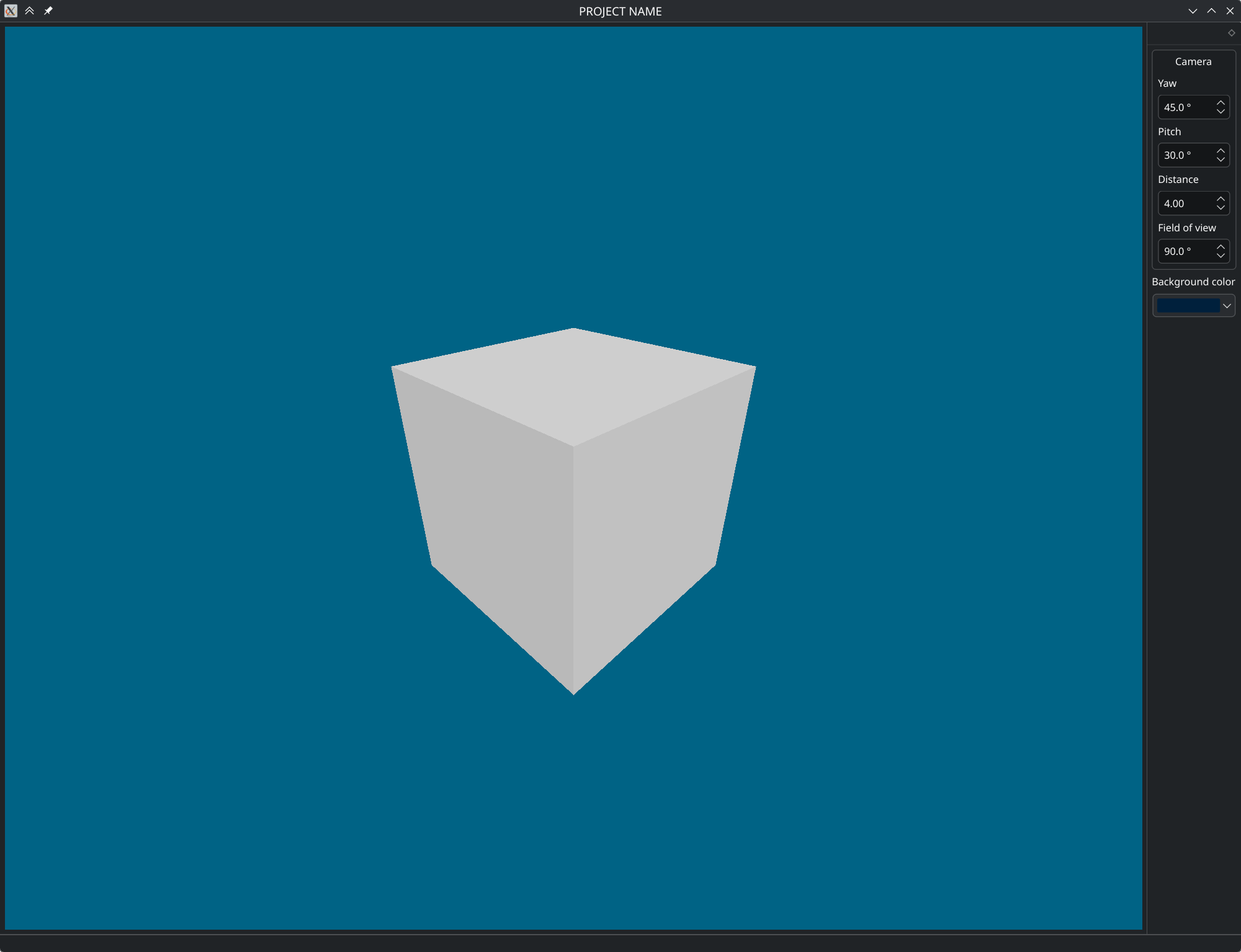
This example combines Qt6 GUI (C++) with WGPU rendering (Rust). It doesn’t do much of either but it’s the bridging what’s relevant.
Currently only X11 (XCB) is supported but it should be easy to extend to other platforms.
Usage
This program is intended as a starting point rather than a dependency, so just copy it.
- Fetch this code:
- clone the repo:
git clone https://gitea.noteuclid.ru/noteuclid/qt-wgpu-skel.git - or, download and unpack the tarball.
- clone the repo:
- Rename the directory to your liking
- Run
init.shwith the project name, like:./init.sh 'My FANCY Project', or./init.sh 'My FANCY Project' 'fancy-project'.
Running init.sh without arguments prints the help.
If you want to use Qt5, change the version in both CMakeLists.txt, as well as the KF version.
If you don’t want to depend on KDE, remove the ECM and KF5 dependencies, as well as KColorCombo inBackground from the UI. You’ll need to replace inBackground->color() with something else though.